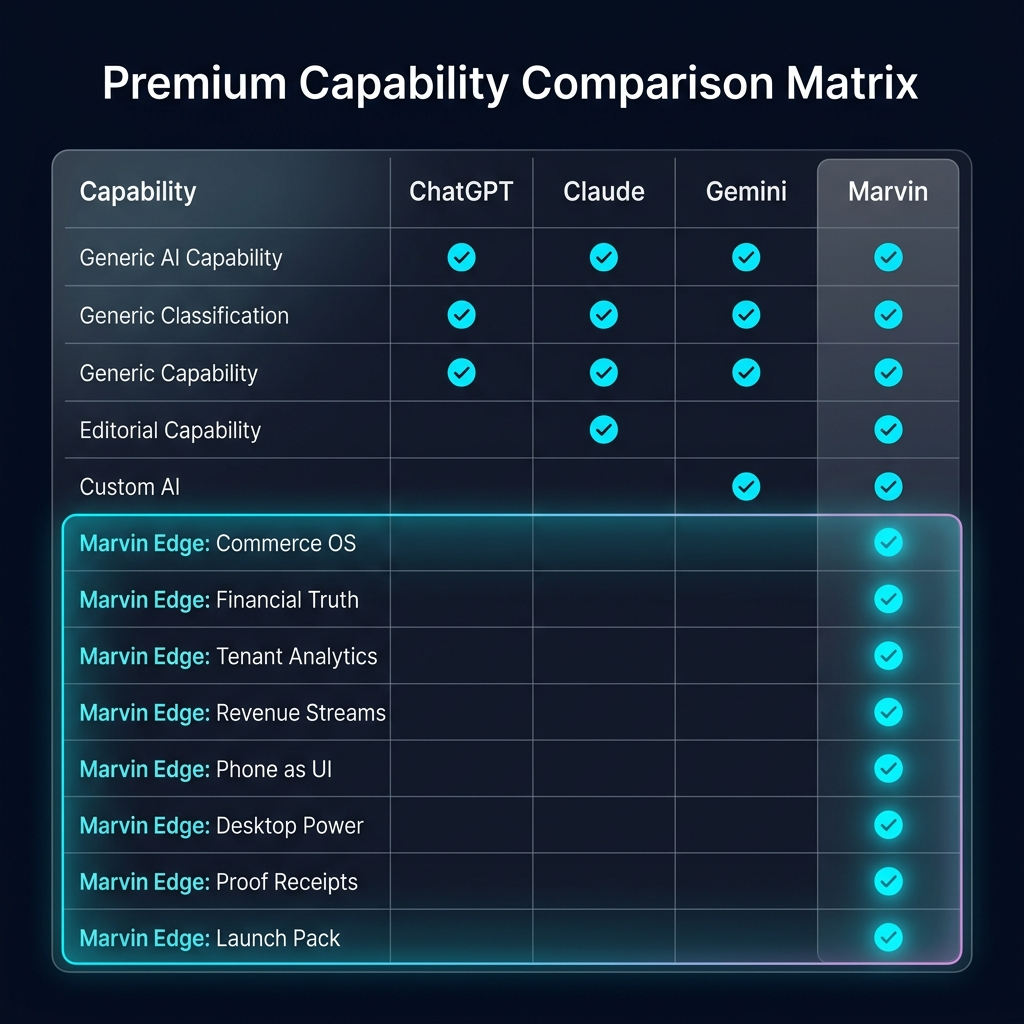
Open Marvin on any device
Use the web app first, then install it as a PWA from your browser so Marvin launches like a native app.
Start MarvinThis pack turns the public claim into a first-session path: install Marvin Power Pack, connect your phone as the mobile UI, then launch a real first task with the right approval gates intact.
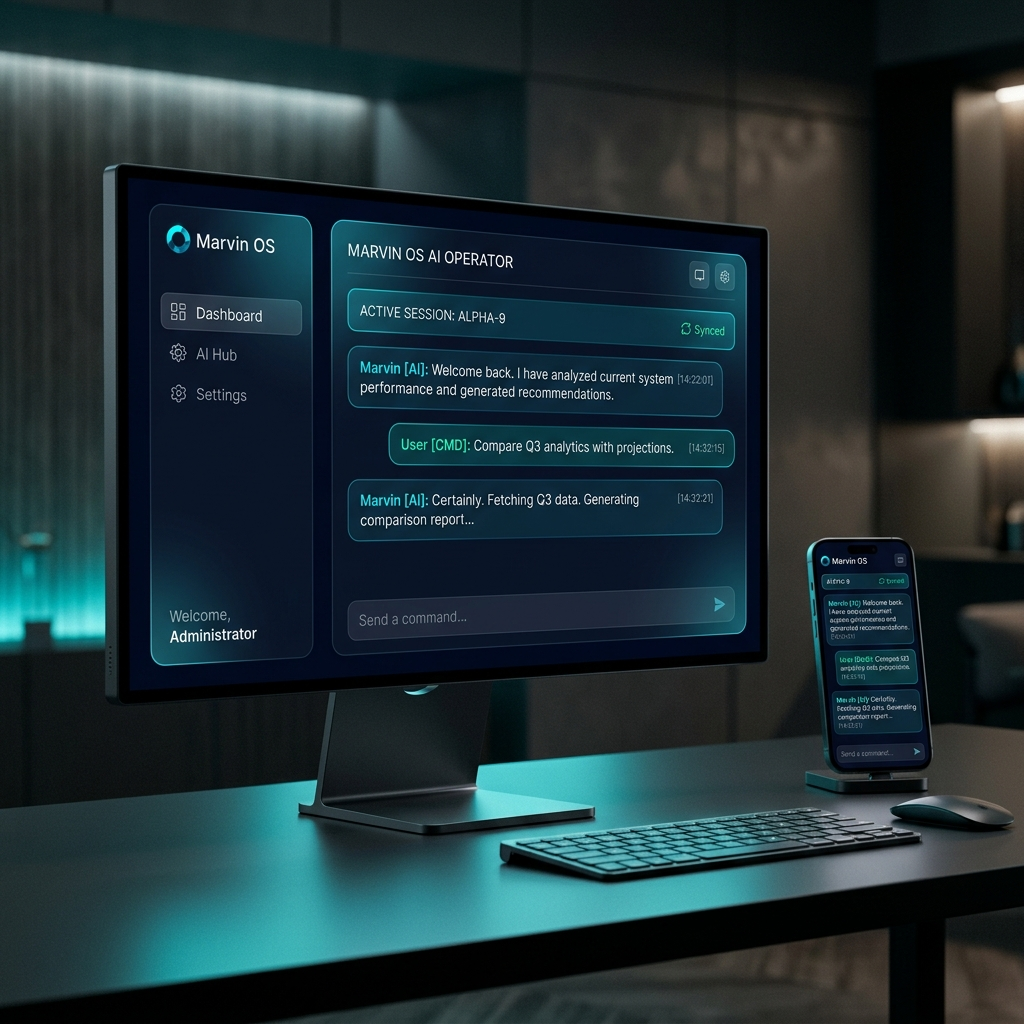
Start in the browser, install Marvin Power Pack on your computer, then use your phone as the control surface for work wherever you are.
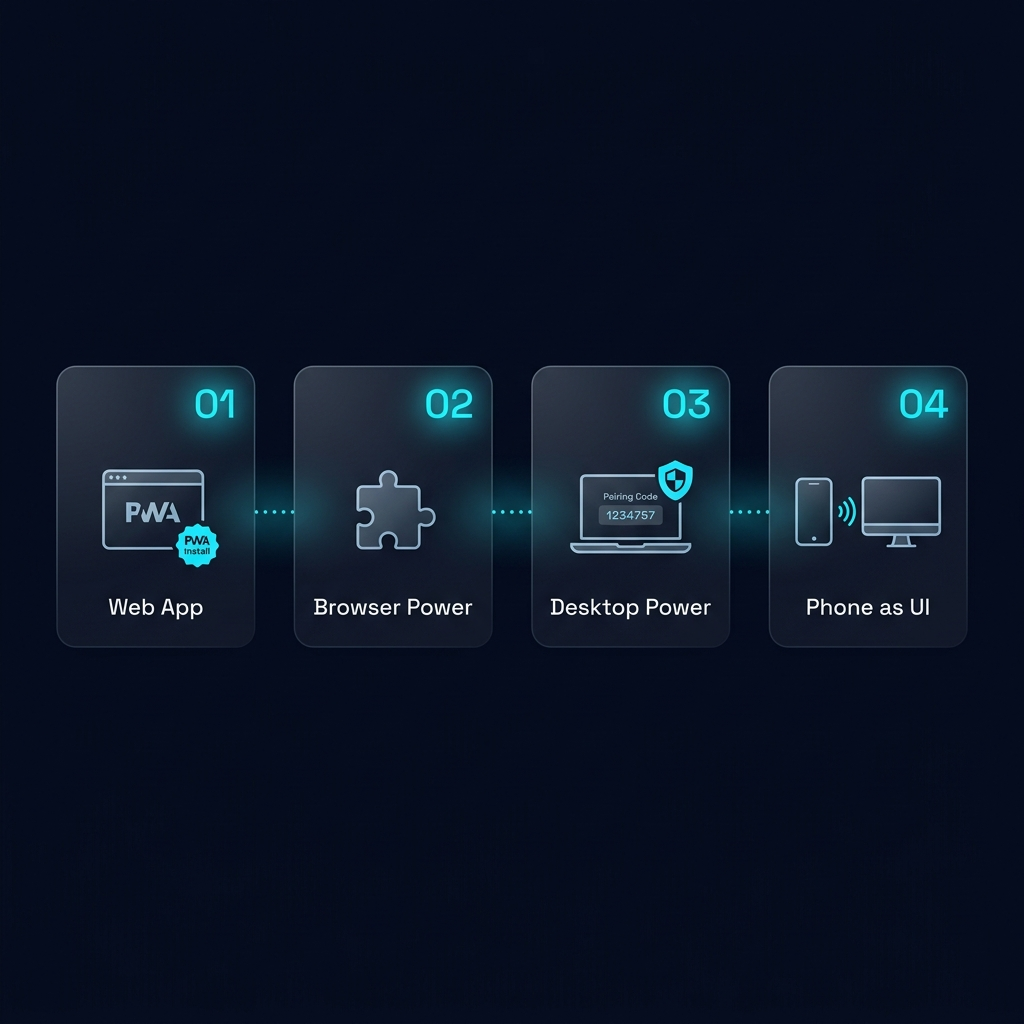
Use the web app first, then install it as a PWA from your browser so Marvin launches like a native app.
Start MarvinUse one setup path for Desktop Power, Marvin Browser support, and local-first automation.
Confirm the paired computer is online and local actions stay behind owner approval.
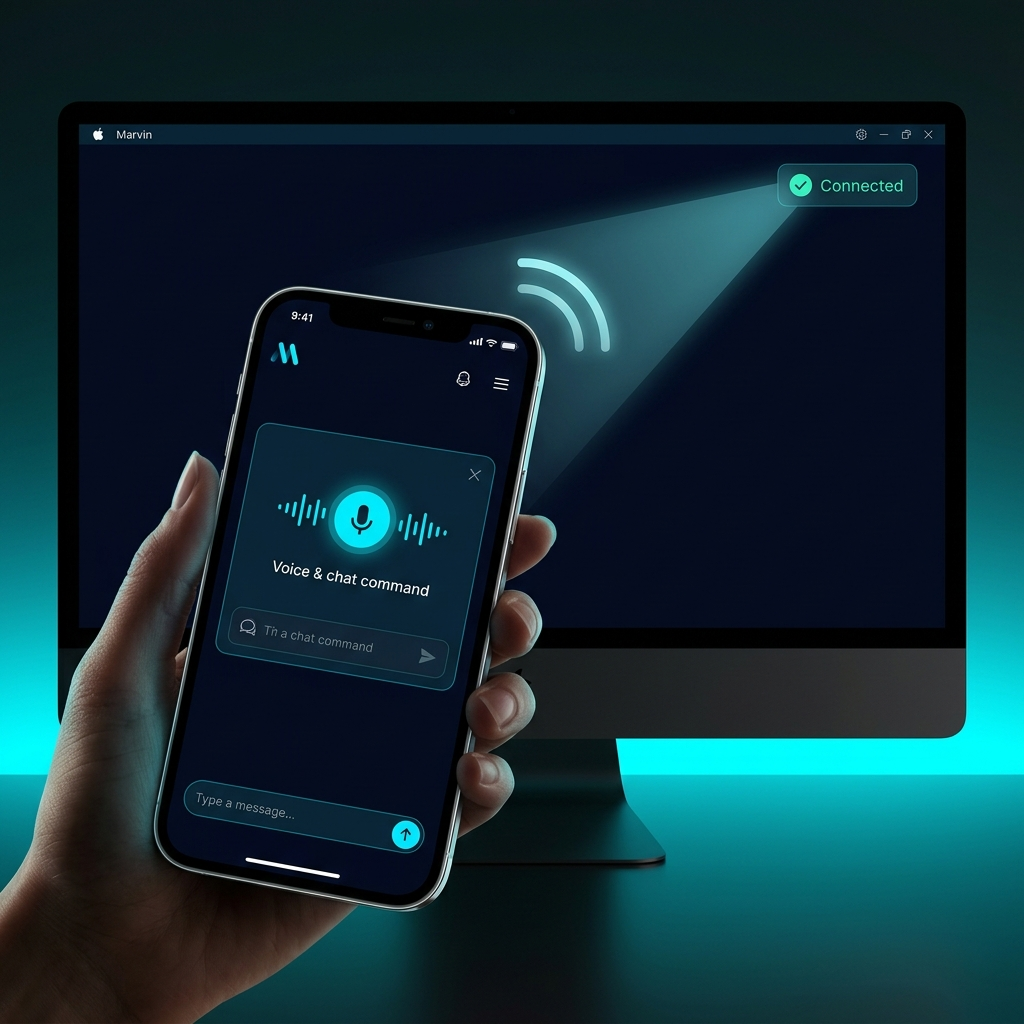
Use mobile pairing so your smart phone becomes the UI for your paired desktop session without third-party connector glue.
Pick a starter mission and Marvin opens with the right first prompt already loaded: campaign store, media bundle, recoverable sales, Desktop Power proof, business rules, or revenue paths.
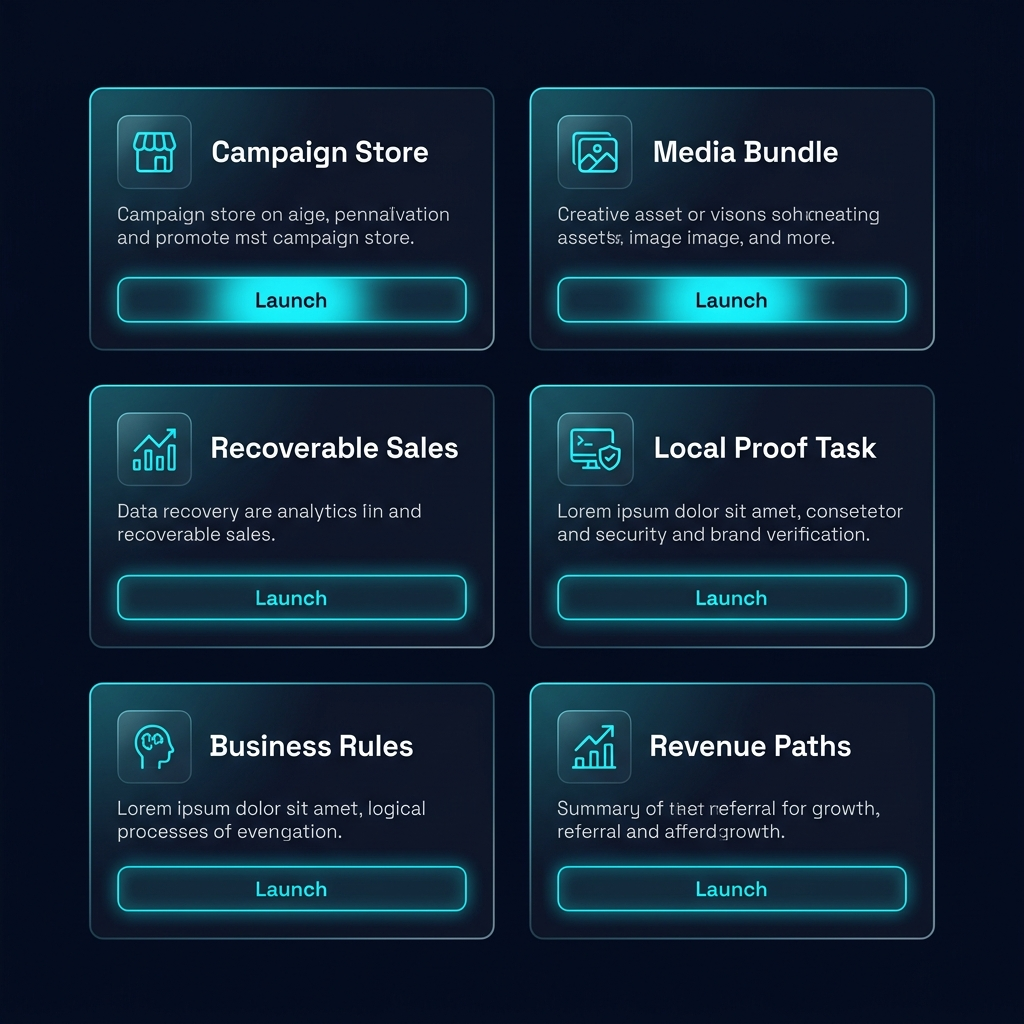
Loads Marvin with a guided prompt for product, audience, offer, visual direction, checkout, and approval-gated launch steps.
Launch taskStarts a media-pack workflow for hero copy, social captions, asset specs, brand tone, and image-generation instructions.
Launch taskLoads the analytics prompt for sessions, viewed products, carts, abandoned paths, save-the-sale drafts, and follow-up boundaries.
Launch taskStarts Marvin with a Desktop Power prompt that explains risk and asks permission before local shell, file, or app actions.
Launch taskStarts a memory-that-matters workflow for approved preferences, business rules, style rules, and recurring decisions.
Launch task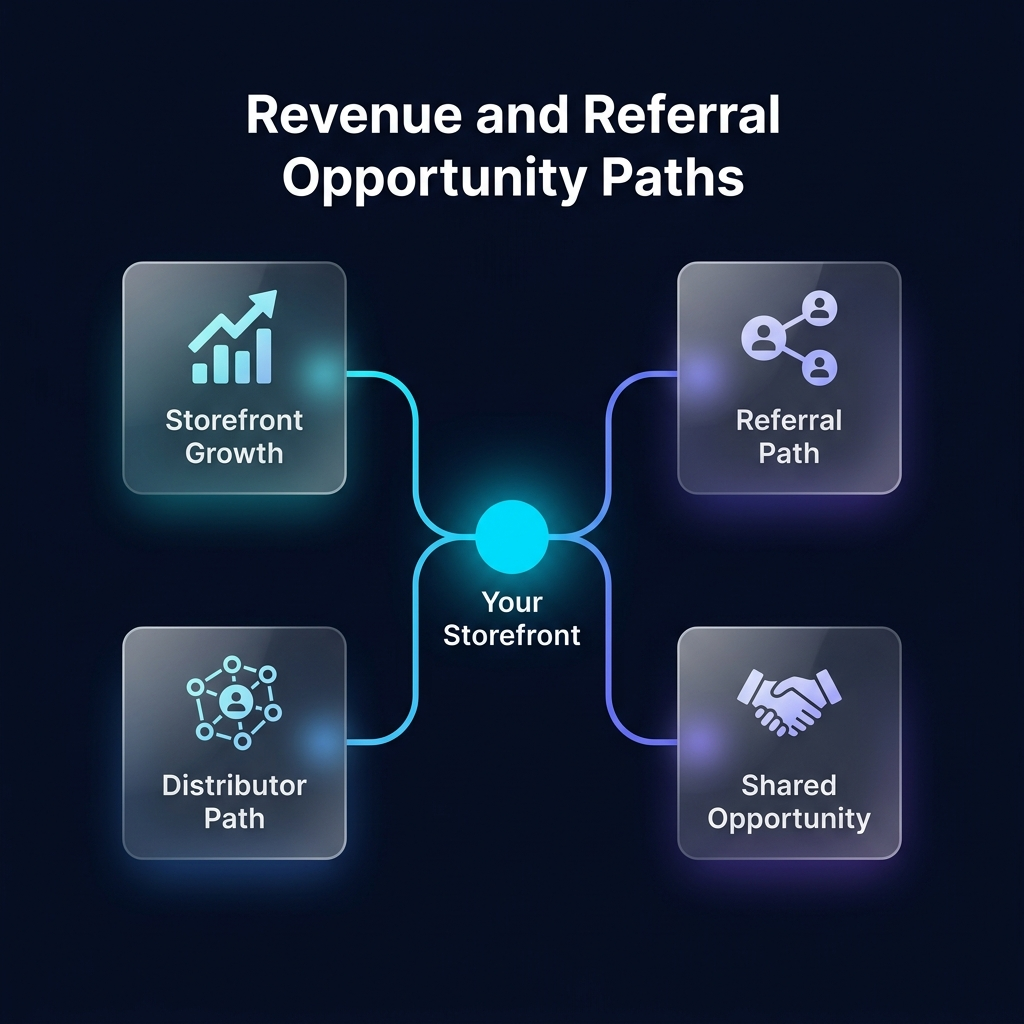
Loads Marvin with a prompt to explain how storefront growth, referrals, distributors, and customer journeys can become shared opportunity.
Launch taskThe expanded SOTA matrix shows 16 shared top-AI capabilities and 8 Marvin edge rows, including commerce OS, financial truth, tenant analytics, revenue streams, phone-as-UI, Desktop Power, proof receipts, and this launch pack.